


.png?width=60&height=60&name=AI%20Copilot%20logo%20(mega%20menu).png)


.png?width=29&height=29&name=twitter%20(1).png)
The 2026.3 release continues to give enterprise teams greater flexibility and control when building, securing, and optimizing AI Agents. Key highlights include expanded speech service integrations, enhanced authentication for MCP Tool access, and a new embedding model option for Knowledge AI.
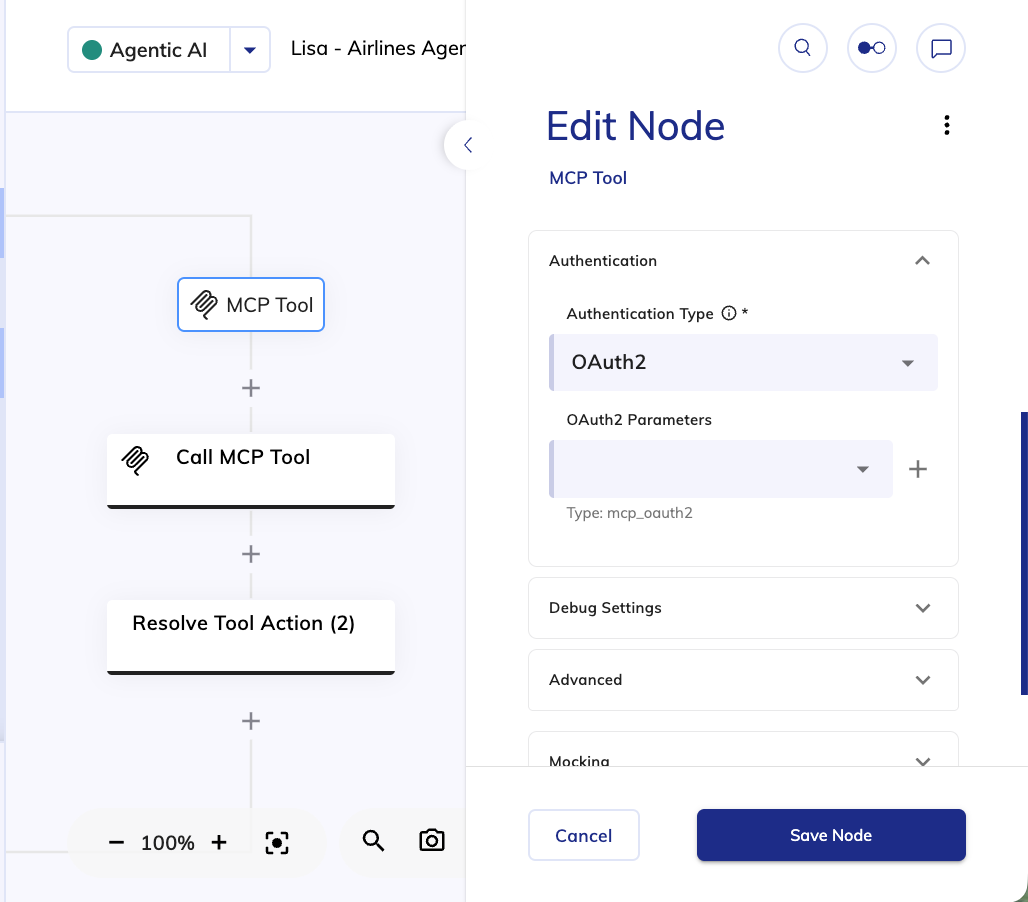
Robust Authentication for MCP Tool Access
Security is further strengthened in this release with the introduction of OAuth 2.0 support for MCP Tools used in LLM Prompt and AI Agent Nodes. OAuth 2.0 replaces or complements static authentication methods like API keys with short-lived, token-based access, reducing the risk associated with long-lived credentials.
This enhancement helps protect integrations against unauthorized access and credential leakage, aligning with widely adopted enterprise security standards. It also supports stricter internal security requirements through controlled scopes, centralized credential management, and easier credential rotation, making AI Agents’ access to external tools both safer and more auditable.
Expanded Speech Service Flexibility
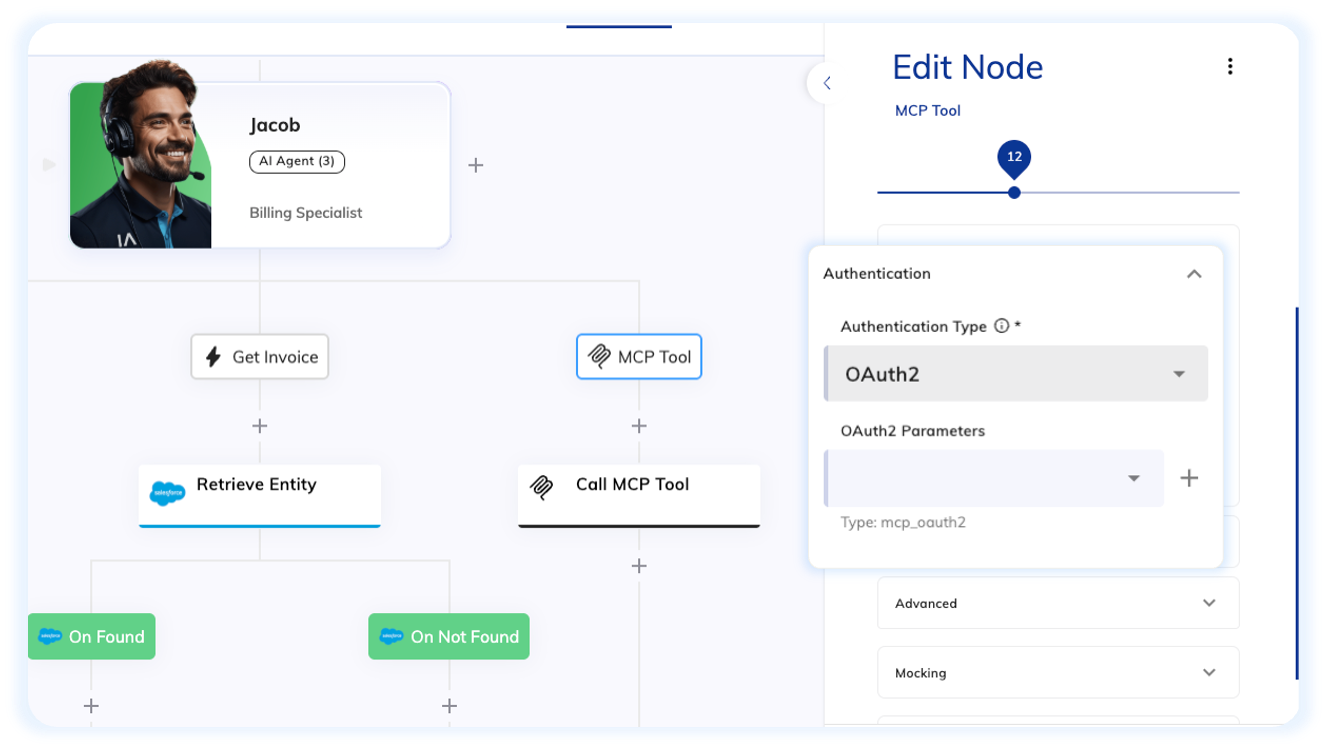
Cognigy.AI further expands its voice ecosystem with new speech service integrations, providing more options for voice quality, transcription accuracy, and language coverage across voice-enabled AI Agents.
Speechmatics is now available as a provider for both Speech-to-Text (STT) and Text-to-Speech (TTS), while ElevenLabs has been added as an additional STT provider. Additionally, ElevenLabs is now fully supported in Voice Preview and Interaction Panel Call, allowing you to test, compare, and fine-tune voice interactions directly within Cognigy.AI before rolling them out to production.
Native Gemini Embedding Model Integration
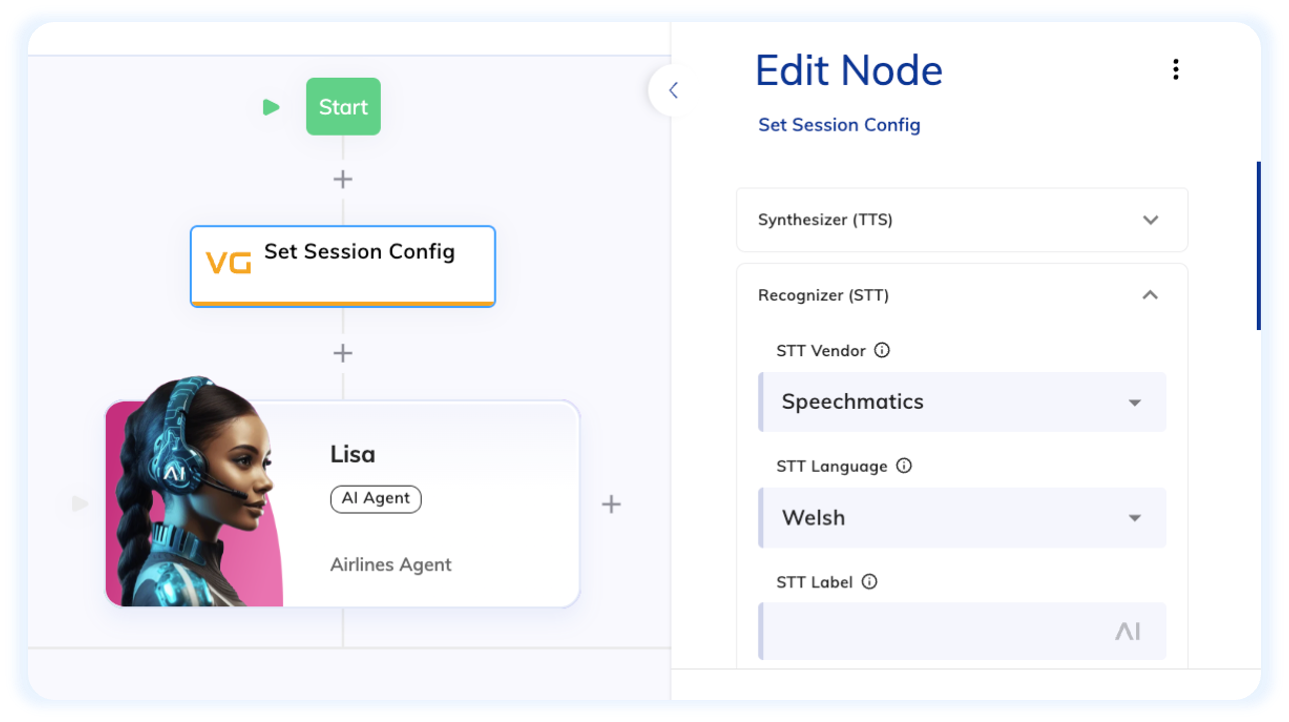
Cognigy.AI now natively integrates Google’s gemini-embedding-001 model for Knowledge AI, expanding the range of embedding models for knowledge ingestion. This gives you more flexibility to align embedding performance with your existing AI stack, cloud provider strategy, or vendor preferences, while catering to specific content types, languages, and levels of semantic complexity.
Other Improvements
Cognigy.AI
- Introduced enhancements in Cognigy.AI to improve AI Agent testing:
- Simulator Dashboard – get a clear overview of your simulations at a glance.
- Simulator Scheduler – plan and automate simulation runs for easier testing.
- Mocking – simulate responses to speed up development and testing.
- Added OAuth2 Client Credentials to the Authentication Type section in the Send SMTP Email Node, providing a more robust and simpler option for sending emails
- Added visual highlighting for the currently selected option in the simulation transcript. This applies to buttons and list items, making it easier to see which option is active during testing
- Added full support for handover escalations via the Question Node. Handover providers from the Handover Provider settings can now be configured in the Escalation – Intents or Escalation – Wrong Answers sections
- Increased the Knowledge Source tags limit from 10 to 50 per Knowledge Source
- Improved Cognigy.AI API by returning the version key in
GET v2.0/knowledgestores/{knowledgeStoreId}/descriptors - Released the Data Redaction feature to all customers following a successful controlled rollout
- Added data redaction support to patterns that are matched by Slots
- Added support to manage user and global roles exclusively on the NICE CXone platform for integrated environments, and to log in to Cognigy.AI via the CXone interface
- Added support for the Live Follow feature when
userIdis updated using the Input Transformer - Added full CRUD support for the Simulator on the Audit Events page, showing who performed create, view, update, and delete actions
Cognigy Webchat
- Refreshed the GeoIP database (GeoLite2-City) to improve the accuracy of geolocation mapping in Webchat metadata
Cognigy Insights
- Added the
deleteConversationsv2.1API method and updated the Cognigy.AI OpenAPI documentation
For further information, check out our complete Release Notes here.

.png?length=370&name=Simulator_Launch%20Blog%20(1).png)