


.png?width=60&height=60&name=AI%20Copilot%20logo%20(mega%20menu).png)


.png?width=29&height=29&name=twitter%20(1).png)
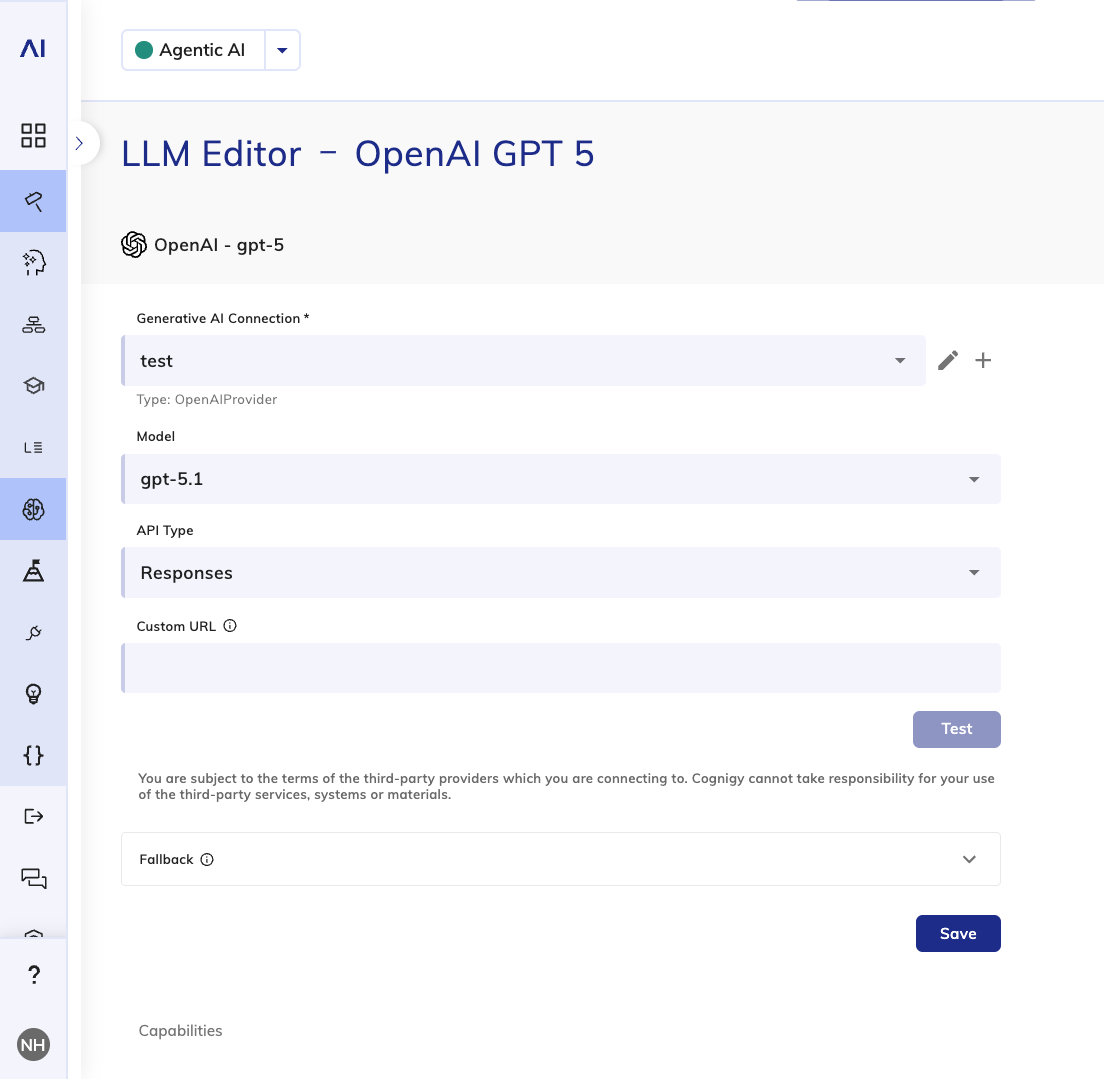
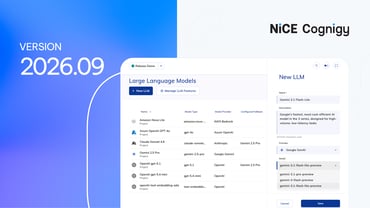
With this release, you can seamlessly switch between models from the same LLM provider without recreating the configuration, simplifying ongoing model management and upgrades.
The LLM Provider Editor now lets you update the model version for standard models directly inline. A single dropdown change is all it takes to swap models within an existing setup, with everything else staying intact.
This is particularly useful in fast-moving environments where model versions are updated frequently, older models get deprecated, or when you’re iterating on model selection as part of evaluation and optimization workflows.
Note that this feature applies only for pre-integrated LLMs and when there are no significant changes in parameters and API configuration between models of the same provider.
Other Improvements
Cognigy.AI
- Added support for custom models to the Google GenAI LLM provider, allowing users to configure and use fine-tuned models based on the Gemini model family instead of being limited to predefined options.
- Added the Agent Change Notification setting to Salesforce MIAW in the Handover to Human Agent Node and in the Handover to Human Agent tool. The setting shows a message when a conversation is transferred from one human agent to another
- Added support for changing the model type for standard models in the LLM provider editor, allowing you to switch to a different model without recreating the configuration
- Added error messages when updating the NiCE CXone provider fails, helping you quickly identify and fix configuration issues
- Removed the AgentAssistV1 action from the NiCE CXone handover provider’s studio script to allow users without an Agent Assist license to create the provider
Cognigy Voice Gateway
- Speechmatics is now available in Voice Preview. Configure it in the Speech Services settings to test real-time speech recognition in your voice Flows.
- Increased the default value from 1 to 5 in the User No Input Retries parameter of the Set Session Config Node. This change applies to newly added Nodes only; existing Nodes aren’t affected
- Removed the SIP Realm setting from the Accounts in the Voice Gateway Self-Service Portal
- Added a confirmation dialog requiring user approval before deleting a speech credential