


.png?width=60&height=60&name=AI%20Copilot%20logo%20(mega%20menu).png)


.png?width=29&height=29&name=twitter%20(1).png)
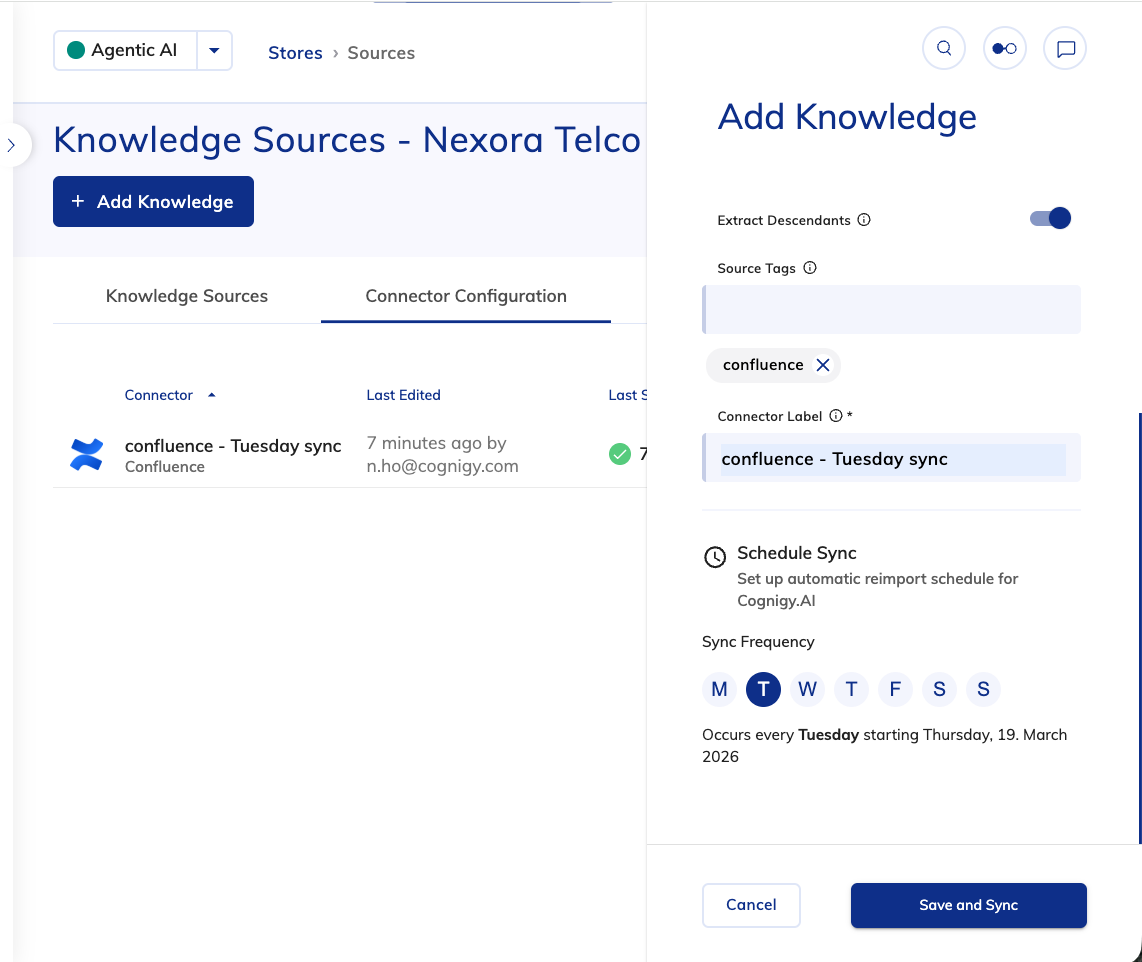
With the 2026.5 release, Knowledge Connectors evolve from a one-time ingestion mechanism into a continuously synchronized pipeline. This introduces a clear operational advantage: Knowledge AI can now stay reliably aligned with frequently changing external content sources, without requiring ongoing manual intervention.
Knowledge Connector Syncing is a new capability designed to keep Knowledge Stores automatically aligned with external content sources such as CMS platforms and documentation systems. Instead of relying on manual re-uploads or ad-hoc updates, connectors can now continuously synchronize content changes directly into Knowledge AI.
Scheduled refresh cycles ensure that changes are picked up regularly, reducing the risk of outdated responses in production. At the same time, teams retain full knowledge control, with the option to trigger synchronization manually when needed.
Key benefits:
- Accurate answers by default: Content updates are synchronized into Knowledge AI – automatically on a schedule or on demand.
- Reduced operational overhead: Eliminates the need for manual content maintenance.
- Consistency at scale: Large Knowledge Stores remain aligned with their source systems.
Other Improvements
Cognigy.AI
-
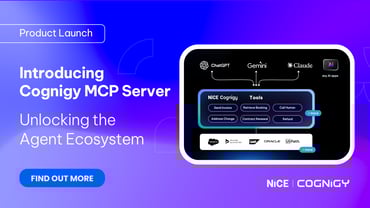
Introduced the MCP Server Endpoint. It lets external AI clients, such as Claude Desktop and Cursor, discover and call AI Agent tools via the Model Context Protocol (MCP). This feature is experimental and isn’t intended for production use.
- Added support for hashing user IDs in the transformers to enhance data protection and support GDPR compliance
- Added the Custom Options section to configure a custom model or request parameters for the AI Agent and Search Extract Output Nodes
- Updated the
evaluateRulefunction to return a promise, improving reliability in asynchronous workflows - Added the CXone Info section, including the NiCE CXone email address and NiCE CXone ID, to the User Details in the Management UI. The section is displayed only if the user has a NiCE CXone account and the environment is integrated with NiCE CXone
- Improved the Salesforce MIAW handover provider stability by ignoring server-sent event (SSE) listeners after the connection was closed
- Improved Token search by prioritizing label-based matching to make Tokens easier to find
- Added the capability to redact the 3- and 4-digit CVV/CVC numbers using the Credit Card Number redaction type in the Data Redaction Settings under Project Settings
- Updated the error message shown when no default LLM is found for scheduling a simulation run
Cognigy Voice Gateway
- Improved short-answer recognition by starting the listening state before the voice AI Agent finishes speaking
- Improved voice detection accuracy by better aligning Barge-In and listening states
- Added concurrent use of the Continuous ASR and Barge-In features
Cognigy Live Agent
- Improved the filter behavior in the Conversations list, including correct handling of AND/OR conditions, filter persistence, and folder navigation. The enhanced filter behavior prevents incorrect or missing conversation results
Cognigy Insights
- Removed the
GET /v1.0/insights/token-resourcesAPI method from the Insights API documentation - Added the
x-api-keyauthentication for Insights APIs, enabling simpler and direct API access without requiring JWT retrieval
For further information, check out our complete Release Notes here.