


.png?width=60&height=60&name=AI%20Copilot%20logo%20(mega%20menu).png)


.png?width=29&height=29&name=twitter%20(1).png)
Alongside the introduction of Click To Call, the 2026.6 release expands Cognigy’s LLM support while delivering incremental improvements across building, testing, and operating AI Agents.
Native Support for New Models from OpenAI, Microsoft Azure OpenAI, and Anthropic
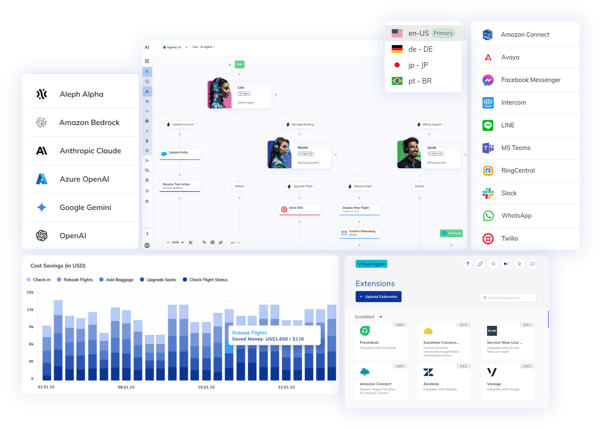
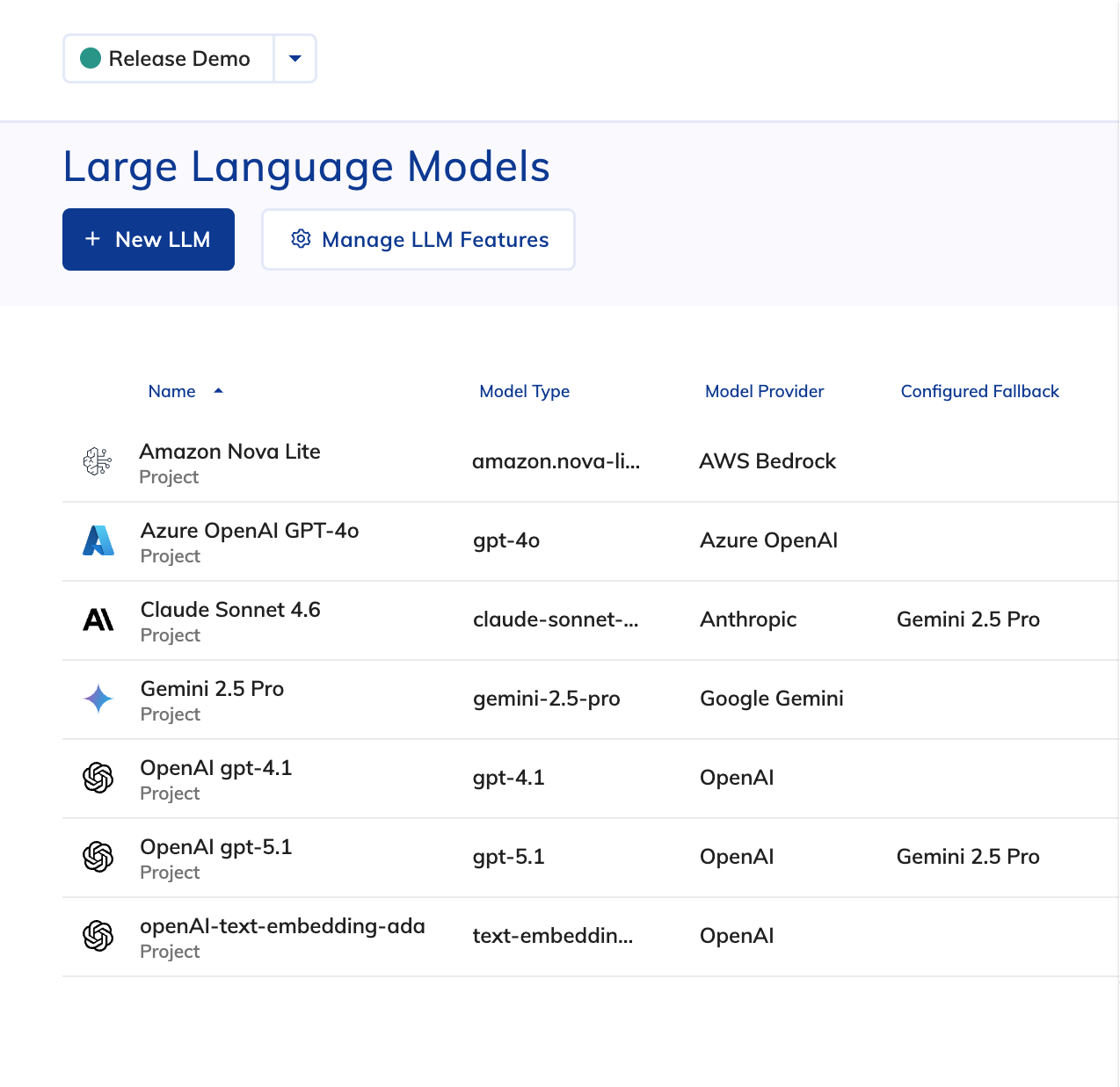
This release introduces support for new models across multiple providers, giving teams greater flexibility when selecting the right model for their use case without changing how they build or operate AI Agents in Cognigy.
-
OpenAI and Microsoft Azure OpenAI's GPT-5.1: This model is designed for improved reliability and controllability, with stronger instruction following and faster thinking for simple tasks. It is suited for use cases that require precise adherence to prompts and stable behavior in multi-step interactions.
-
Anthropic's Claude Sonnet 4.6: This model improves performance across long-context reasoning, agent planning, knowledge work, and design, while introducing support for very large context windows (up to 1M tokens in beta). It delivers near-Opus-level capability with a more cost-efficient profile for agentic workflows.
Both models are fully integrated into Cognigy’s LLM configuration, allowing teams to test, compare, and switch between providers with minimal effort while continuing to use existing tooling for prompt management, fallback strategies, and evaluation.
Note: Reasoning models consume more tokens and may incur higher costs. These models are optimized for tasks that require complex problem-solving and logical reasoning. Before using them in production, it is recommended to test token consumption in debug mode and use them with caution.
Other Improvements
Cognigy.AI
-
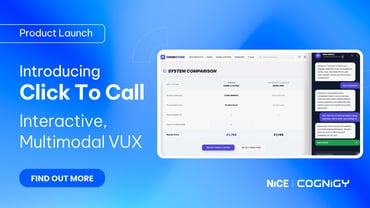
Click To Call lets you easily embed a widget in your website or build a custom application that connects to a voice AI Agent for multimodal communication. With Click To Call, users can talk to your AI Agents directly from your website or application with a single click.
- Added redaction limit. Log entries with
datapayloads over 2.5 MB are no longer redacted and now show a placeholder message - Improved internal log redaction for PCI compliance
- Added a Language Configuration toggle to the AI Agent wizard to stop automatic language detection and prevent unintended switching
- Added OAuth2 authentication support to the Cognigy.AI API
- Deactivated Knowledge Connector actions when the required Extension is missing
- Added an error message when LLMs reach the token limit
- Added a safety context preamble to Simulator prompts, reducing content policy errors when using Azure OpenAI with personas or missions that contain terms flagged by Azure’s content management filters
- Removed the beta tag from the Data Redaction settings section
- Renamed the Sentences API tag to Example Sentences for clarity
Cognigy Insights
- Redesigned the search logic in the Transcript Explorer to improve filtering and sorting against data in MongoDB
- Removed the default
order-bycondition in the OData query - Added a lower timestamp bound to optimize deletion queries and avoid timeout errors
For further information, check out our complete Release Notes here.